Abound non-VoIP numbers for SMS verification
If you are creating or maintaining an Abound account and need to receive an SMS verification message, a non-VoIP number can be a practical option. NonVoipUsNumber provides real rental numbers for supported services, including Abound, so buyers can receive verification texts in an order inbox instead of using a personal phone number.
This guide explains the Abound rental options currently shown in our service snapshot, how to choose the right duration, and how to use the number in a compliant way. Verification is always controlled by Abound and may depend on its current rules, risk checks, country requirements, and SMS delivery behavior. We do not claim guaranteed verification, and you should always follow Abound terms and use your own accurate account details.
Available Abound rental options
Availability, prices, and current stock are refreshed when this guide is opened.
| Category | Best for | Current label | From price | Current stock |
|---|---|---|---|---|
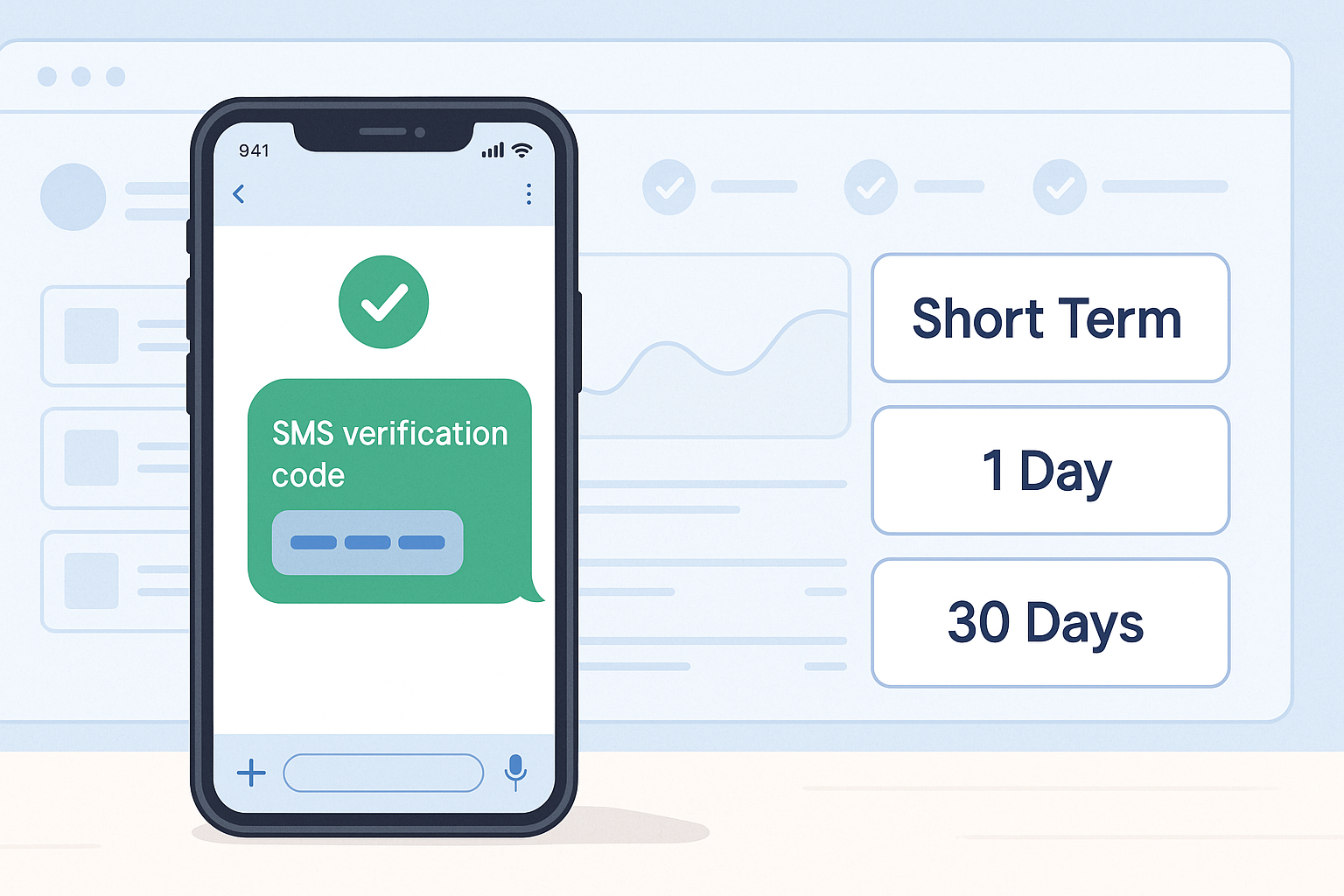
| US Short Term | Fast SMS verification when a US short-term number is enough. | Abound | $0.30 | 504 available |
| 1 Day | A one-day rental when setup may need extra time. | Abound | $2.81 | 550 available |
| 30 Days | Ongoing login, account recovery, and repeat verification during the rental period. | Abound | $4.50 | 550 available |
Which Abound number duration should you choose?
Choose the shortest rental period that fits your legitimate verification need. If Abound only asks for one phone-verification SMS during signup, US Short Term is often enough. If you expect a delay before Abound sends the message, or if you want more time to complete the process calmly, the 1 Day rental may be a better fit when in stock. If you expect additional account security messages over a longer period, the 30 Days rental may be useful when stock is available.
Remember that a longer rental does not override Abound account rules or improve eligibility by itself. It simply keeps access to the rented number for a longer rental window. Your account information, connection quality, device consistency, and Abound requirements can still affect the outcome.
How to open an Abound account with a NonVoipUsNumber number
- Create the Abound account with your own details. Use your real, accurate information where Abound asks for it. Do not use a rented number to impersonate someone else, create misleading accounts, or avoid platform rules.
- Sign in or create your NonVoipUsNumber account. Start from the signup page if you are new. Existing users can log in and go directly to the relevant order page.
- Choose the matching Abound service. Review the current Abound options on the pricing page. Pick US Short Term, 1 Day, or 30 Days based on your verification timing needs and live stock.
- Rent the available number. For quick SMS verification, use the US Short Term order page. For a 1 Day rental, use the 1 Day order page. For a 30 Days rental, use the long-term order page.
- Enter the rented number only at the Abound phone-verification step. Do not publish the number, reuse it for unrelated services, or enter it where it is not needed.
- Wait for the SMS in your order inbox. Keep the order page open and allow time for message delivery. If Abound sends a verification SMS, it should appear in the inbox connected to your order.
- Enter the received code in Abound. Copy the code carefully into the Abound verification screen. Do not share codes with other people.
If verification does not work, first check whether Abound stock is available and whether you selected the correct service and duration. You can try another available Abound number if stock allows. For legitimate privacy or connection consistency, you may also use a stable high-quality proxy or reputable paid VPN, preferably matching the country where you genuinely intend to use the account. Do not use proxies, VPNs, or rented numbers to bypass bans, fraud checks, regional restrictions, platform rules, or abuse prevention systems.
Ordering tips for smoother Abound SMS delivery
- Match the service exactly. Select Abound, not a similar service name. SMS routing is service-specific.
- Check live stock before starting signup. The snapshot can change, so confirm availability on the pricing page before you reach the phone-verification step.
- Use a consistent connection. Sudden network or country changes during signup can create extra review by third-party services.
- Keep your order inbox open. SMS messages can arrive quickly, but some services take longer to send codes.
- Contact support through live chat when needed. If you have an order issue, use the site live chat widget for help.
Why buyers choose non-VoIP numbers for Abound
Many verification systems treat non-VoIP numbers differently from virtual VoIP numbers. A non-VoIP rental number may be useful when you do not want to expose your personal phone number, when you need a separate business workflow, or when you are testing an account setup in a lawful way. NonVoipUsNumber organizes supported services by category so you can choose Abound directly and monitor incoming SMS from your account dashboard.
The key is to use the number only for legitimate verification. A rented number is not a way to skip identity rules, create abusive accounts, send spam, or evade enforcement. If Abound asks for additional checks, documents, or security steps, complete them truthfully according to Abound requirements.
Get started
To begin, create an account on the NonVoipUsNumber signup page, check current Abound availability on the pricing page, then order from the right page: US Short Term, 1 Day, or 30 Days. If you need order assistance, use the live chat widget on the site.