Airbnb non-VoIP numbers for SMS verification
Airbnb may ask for phone verification when you create or update an account. If you need a real-number rental option for receiving an SMS code, NonVoipUsNumber provides non-VoIP numbers for Airbnb across several rental categories. These numbers are designed for SMS verification workflows where a temporary or longer rental period is useful.
A non-VoIP number is generally associated with a mobile or carrier-style number source rather than an internet-only VoIP line. Many buyers prefer non-VoIP options because some online services treat VoIP numbers differently during phone verification. That said, no phone number provider can promise acceptance by a third-party platform. Airbnb controls its own verification rules, availability can change, and every user should follow Airbnb terms and local laws.
This guide explains the available Airbnb categories on NonVoipUsNumber, how to choose the right duration, and how to use the rented number only for the phone-verification step in a lawful, account-owner workflow.
Available Airbnb rental categories
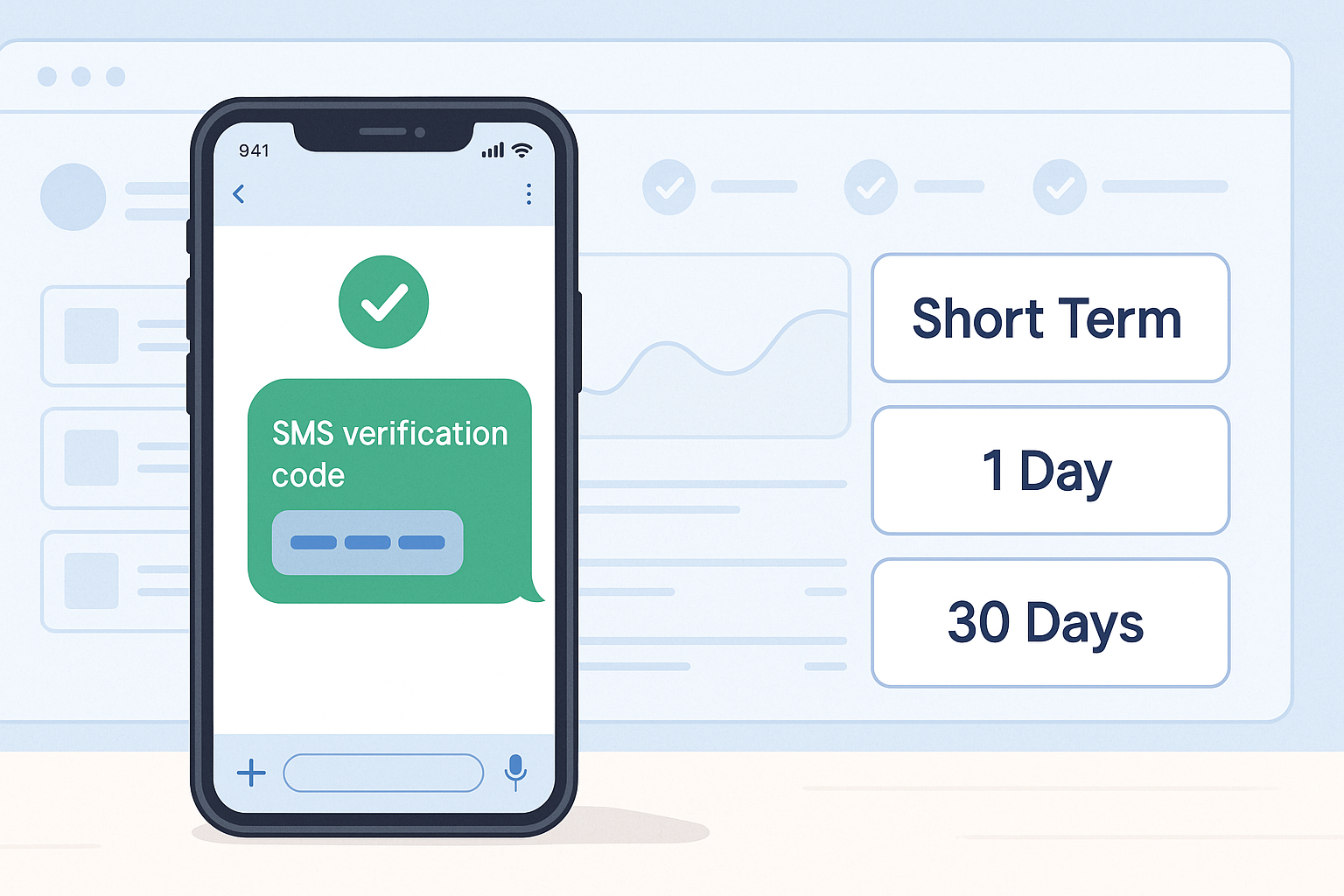
NonVoipUsNumber currently lists Airbnb options in four categories: US Short Term, 1 Day, 30 Days, and Other Countries Short Term. Stock and routing change often, so the live dashboard is the best place to confirm availability before ordering.
| Category | Best for | Starting price | Current note |
|---|---|---|---|
| Airbnb — US Short Term | Quick SMS verification using a US number | $0.30 | Large short-term pool shown in the dashboard |
| Airbnb — 1 Day | Keeping access to the order inbox through the day | $2.81 | Limited live stock shown |
| Airbnb — 30 Days | Longer rental window when available | $4.50 | May show zero stock at times |
| Airbnb — Other Countries Short Term | Country-specific SMS verification outside the US | $0.16 | Multiple countries listed, including Canada, India, Italy, Australia, France, and others |
Which Airbnb number duration should you choose?
For a single Airbnb SMS request, the Airbnb — US Short Term option is often the most direct choice when you need a US number and a quick order inbox. It starts at $0.30 and is meant for short verification windows.
The 1 Day Airbnb option starts at $2.81 and can be a better fit if you want more time to receive and enter the SMS during the same day. This is useful when you expect a slower signup process, need to complete profile details carefully, or want a little more time before the rental expires.
The 30 Days Airbnb option starts at $4.50. It is intended for buyers who prefer a longer rental period, but stock may be unavailable at the moment you check. If you do not see stock, use the pricing page or order page to review current availability rather than assuming the category is open.
The Other Countries Short Term option starts at $0.16 and is useful when your legitimate Airbnb account setup needs a number from a country other than the United States. Choose a country that matches your real account context and intended use. Do not use country selection to evade platform rules, restrictions, fraud checks, or abuse prevention systems.
How to open an Airbnb account with a NonVoipUsNumber number
- Create the Airbnb account with your own details. Use your real name and accurate account information. Your Airbnb account should represent you or your legitimate business use, not someone else.
- Sign in or create your NonVoipUsNumber account. Start from the signup page if you do not already have an account.
- Check current pricing and stock. Visit the pricing page to compare the available Airbnb categories before ordering.
- Choose the matching Airbnb service. Use the short-term order page for US Short Term or Other Countries Short Term, the 1 Day rental page for a day rental, or the 30 Days rental page when long-term stock is available.
- Rent the available number. After ordering, copy the assigned number from your NonVoipUsNumber order screen.
- Enter the number only on Airbnb phone verification. Use it for the Airbnb phone-verification step, not for spam, impersonation, account abuse, or activity that violates Airbnb terms.
- Wait for the SMS in the order inbox. Keep the NonVoipUsNumber order page open and refresh or wait for the message to appear in the inbox.
- Enter the received code on Airbnb. Copy the SMS code from your order inbox into the Airbnb verification page while the code is still valid.
Verification is controlled by Airbnb and is not guaranteed. If the SMS does not arrive or the number is not accepted, check live stock and service availability, confirm that you selected the Airbnb service, and try another available number if the dashboard allows it. For legitimate privacy or connection consistency, you may use a stable high-quality proxy or a reputable paid VPN, preferably matching the intended account country. Do not use network tools to bypass bans, regional restrictions, fraud checks, platform rules, or abuse prevention systems.
Why buyers choose NonVoipUsNumber for Airbnb SMS
- Service-specific selection: Airbnb is listed directly, so you do not have to guess which service routing to choose.
- Multiple rental windows: Pick quick US Short Term access, a 1 Day rental, a 30 Days rental when stocked, or Other Countries Short Term numbers.
- Clear order inbox: Received SMS messages appear inside your order area so you can copy the code into Airbnb.
- Transparent starting prices: The pricing page shows live categories and starting prices before you rent.
- Support through live chat: If you need help with ordering or locating your inbox, use the site live chat widget.
Ordering tips before you rent
Before placing an Airbnb order, decide which country and rental duration match your real account situation. If you only need one code, a short-term option may be enough. If you need more time during the same day, consider 1 Day. If you need a longer rental period, check whether 30 Days stock is available before planning around it.
Also make sure you are logged in, have enough balance for the category you want, and are on the correct order page. Short-term numbers, 1 Day rentals, and 30 Days rentals are managed in different sections of the site. If something is unclear, the live chat widget is the right place to ask for help with the website workflow.
Start your Airbnb SMS order
To begin, create an account at NonVoipUsNumber signup, review Airbnb availability on the pricing page, and place your order from the relevant rental page: short term, 1 Day, or 30 Days. Use the number responsibly, follow Airbnb terms, and rely on the live chat widget if you need site assistance.
Available Airbnb rental options
Availability, prices, and current stock are refreshed when this guide is opened.
| Category | Best for | Current label | From price | Current stock |
|---|---|---|---|---|
| US Short Term | Fast SMS verification when a US short-term number is enough. | Airbnb | $0.30 | 13,479 available |
| 1 Day | A one-day rental when setup may need extra time. | Airbnb | $2.81 | 550 available |
| 30 Days | Ongoing login, account recovery, and repeat verification during the rental period. | Airbnb | $4.50 | 550 available |
| Other Countries Short Term | Country-specific short-term availability outside the United States. | 71 countries | $0.16 | 3,178,329 available |